
1
Enter the load and tap the map
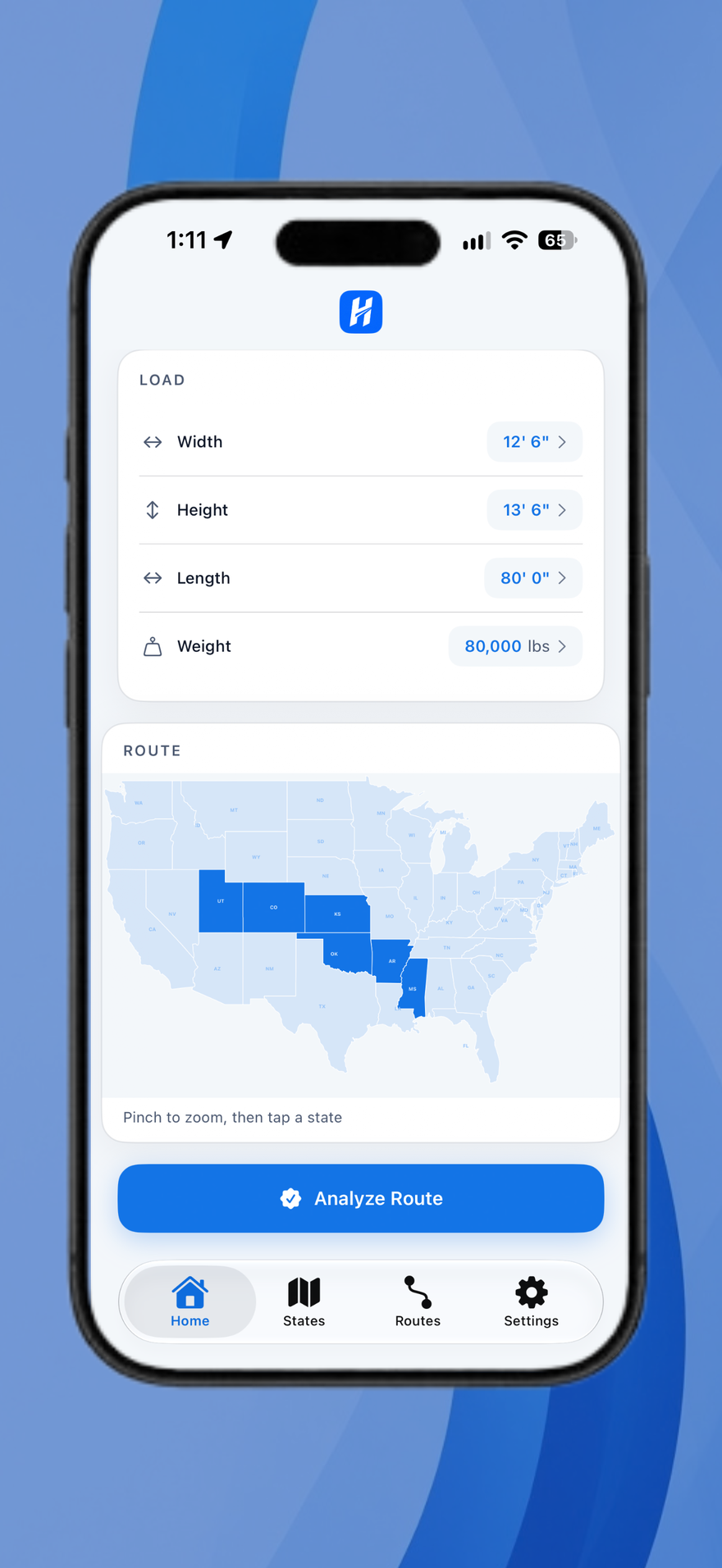
Input width, height, length, and weight, then pinch-zoom and tap every state on the route. HaulPath checks those specs against each state’s legal thresholds.
Product walkthrough
You enter the load, pick the route states, and read what each jurisdiction requires—permits, escorts, and travel hours included.
Input width, height, length, and weight, then pinch-zoom and tap every state on the route. HaulPath checks those specs against each state’s legal thresholds.
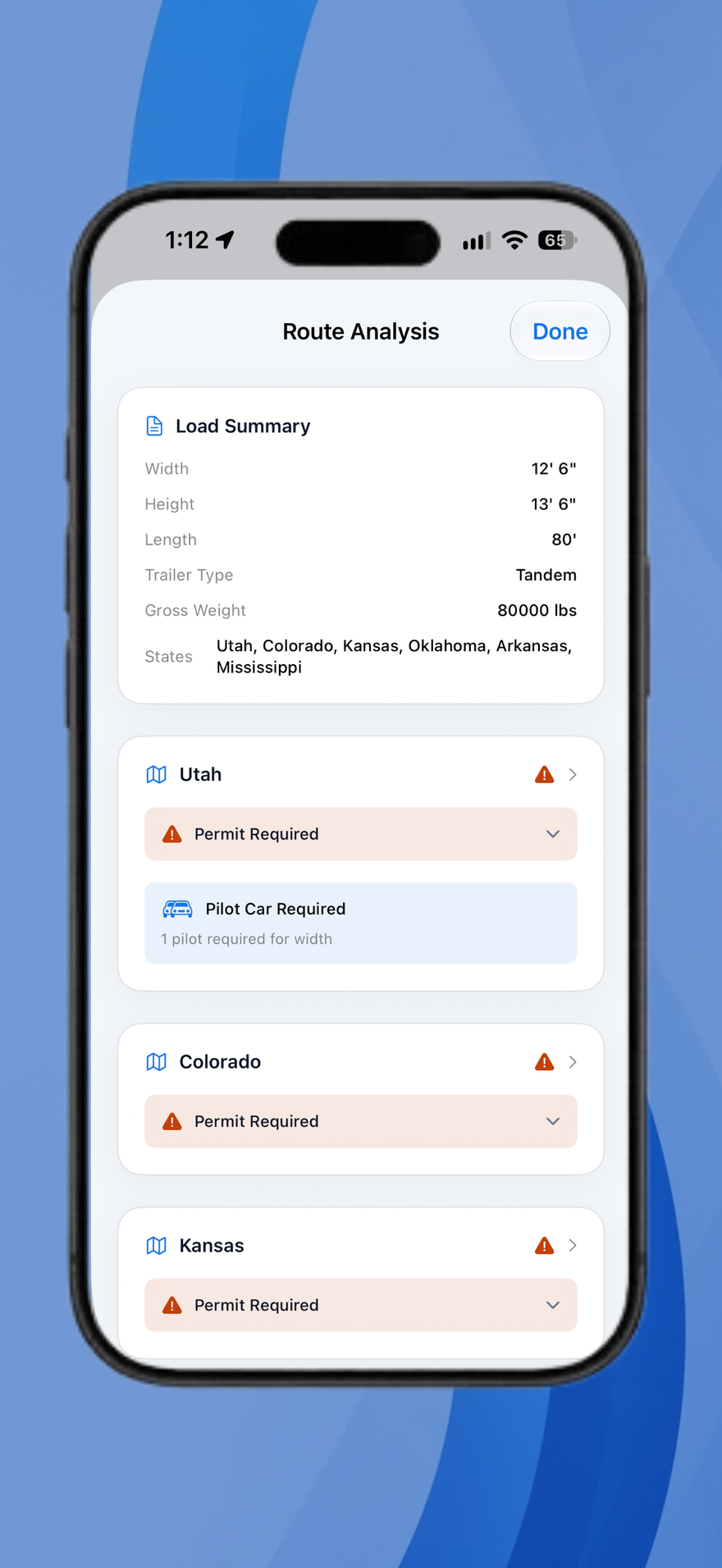
Analyze the route to get permit flags, pilot cars, and escorts listed per jurisdiction—not a single nationwide guess. One state is free. Pro covers the full lower 48.
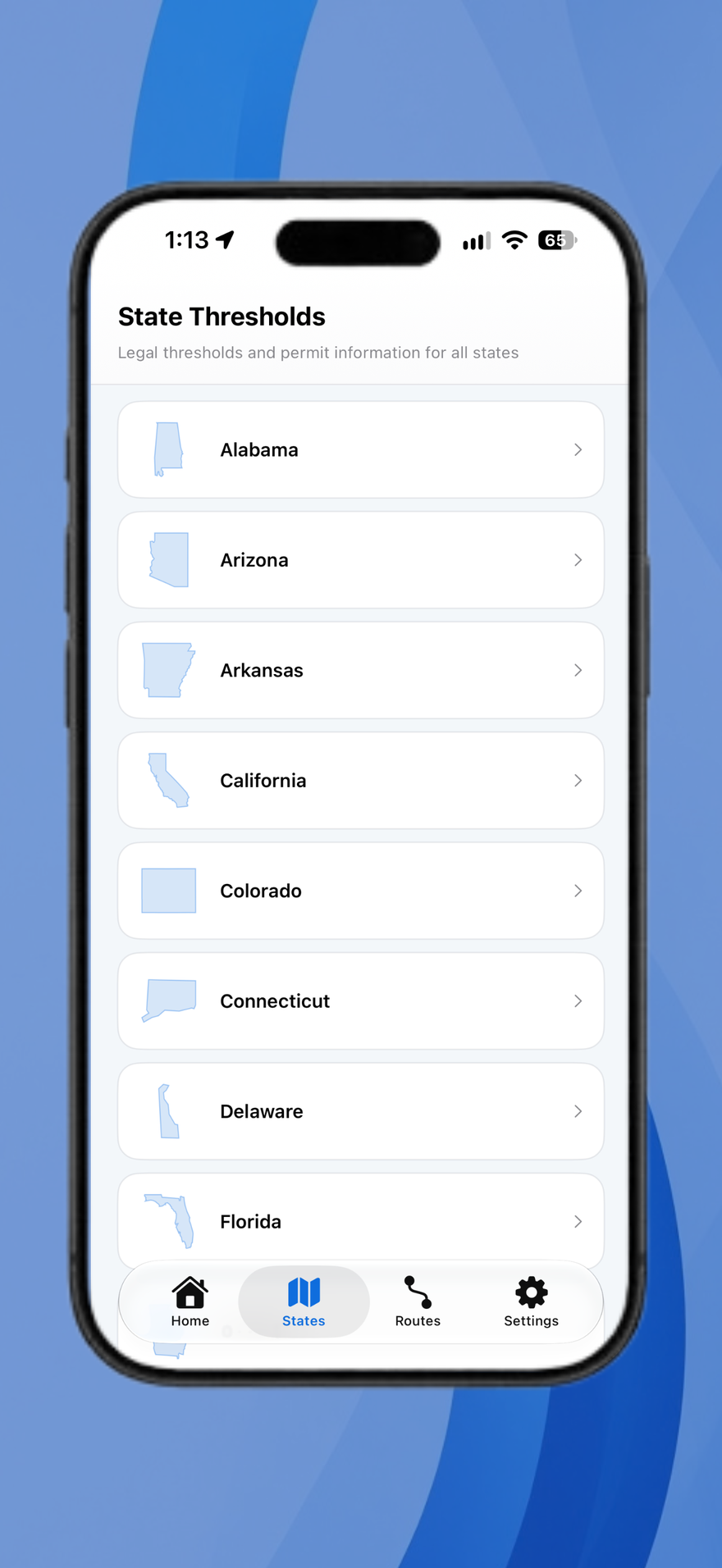
Open the States tab for legal limits, travel hours, and source details. Data stays on the device after download, so it works offline.
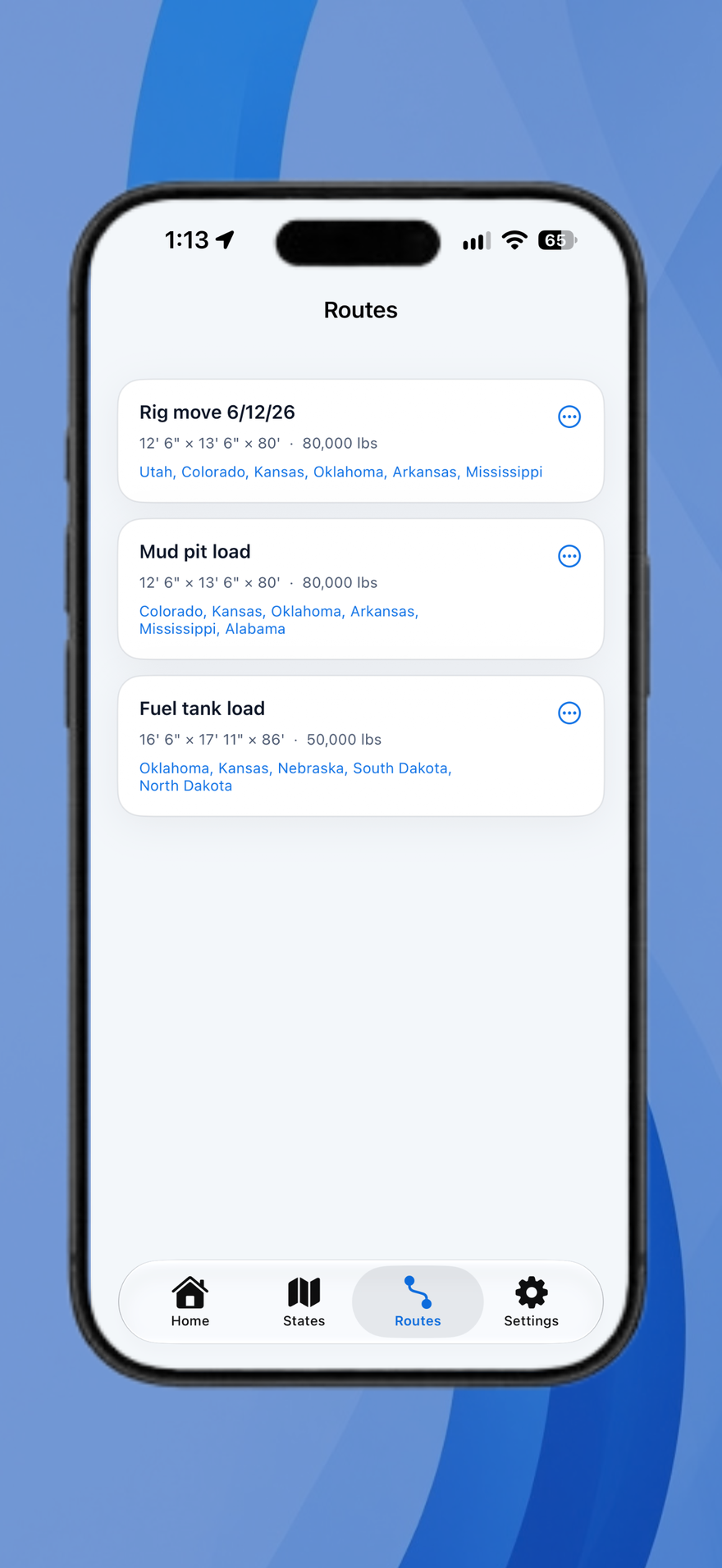
Name the analysis and keep it in Routes with the dimensions and states you entered, ready for the next dispatch.
Free for one state. Pro is $9.99 once for all 48 continental states.


HaulPath is a planning tool. Confirm permits, escorts, and travel restrictions with the issuing state agency before transport.